

How to Change the Battery on a Dyson V6: A Simple Guide

The Dyson V6 is a popular vacuum cleaner, and just like any device with a battery, its battery will need replacing. If your cordless vacuum cleaner shows a red flashing light that blinks more than 12 times, it’s a sign that the battery needs changing. Luckily, replacing the battery is quite a straightforward process.
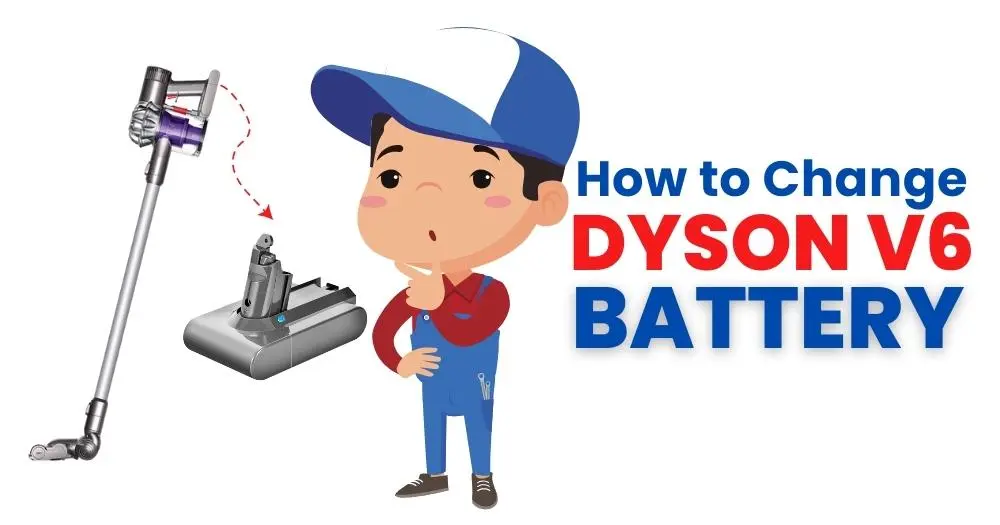
Dyson V6 Battery Replacing Signs
- If its doesn’t hold a charge.
- If unexpectedly shuts off.
- If you see a red flashing light that blinks more than 12 times
When you see these signs on your vacuum cleaner then replace battery.
What You’ll Need to Replace the Battery:
- A new battery
- A screwdriver with a cross-shaped head (Phillips head screwdriver)
Battery Replacement Steps
Here are the steps for replacing the battery and follow these steps and replace battery by yourself.
- Unplug your vacuum from the charger.
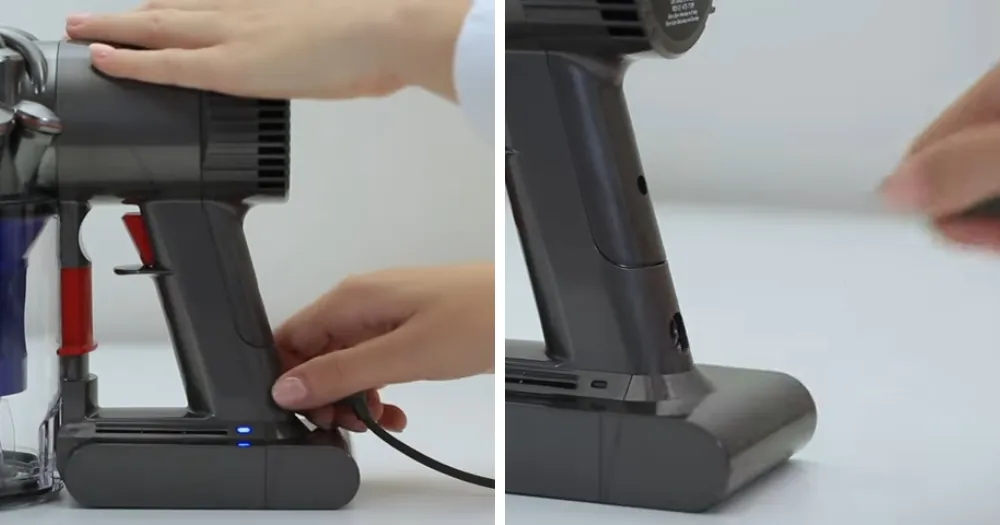
- Look underneath the vacuum to find three screws holding the battery in place.
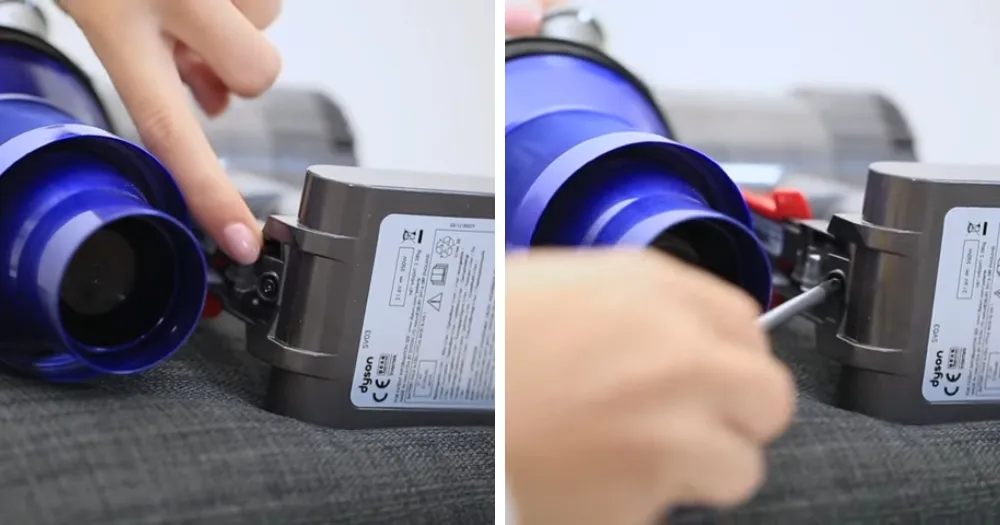
- With the help of Phillips screwdriver, unscrew and remove the 3 battery screws.
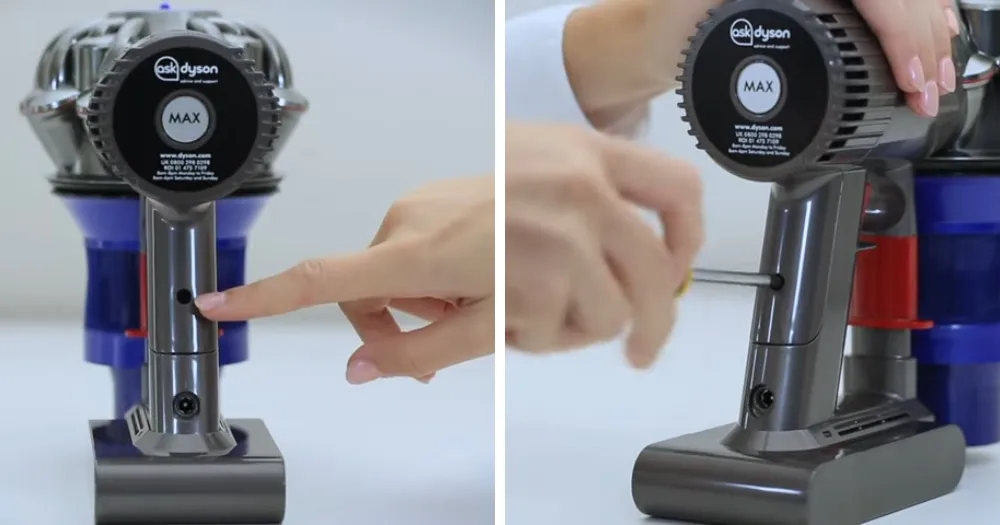
- Carefully take out the old battery from your vacuum cleaner.
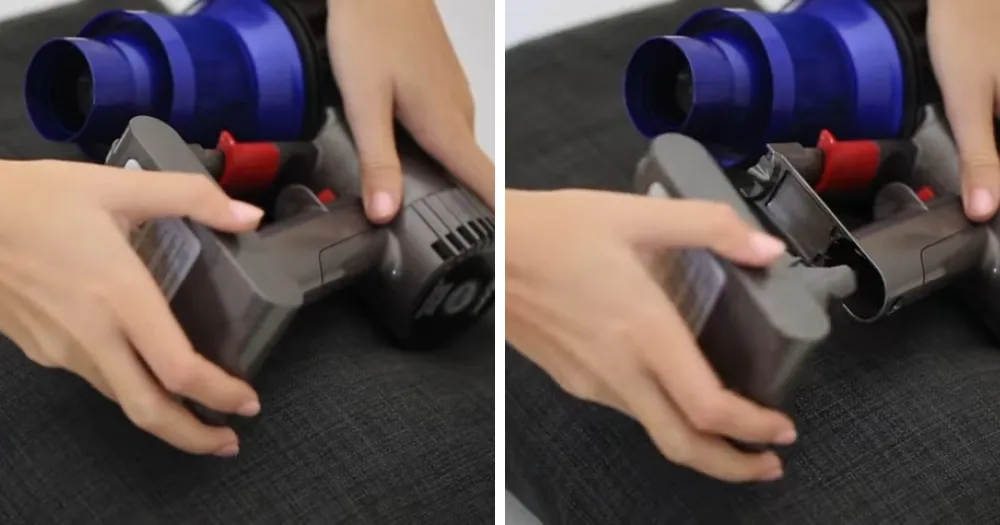
- Dispose of the old battery properly, don’t throw it in your regular trash.
- Take your new battery and find the three screw holes on it.
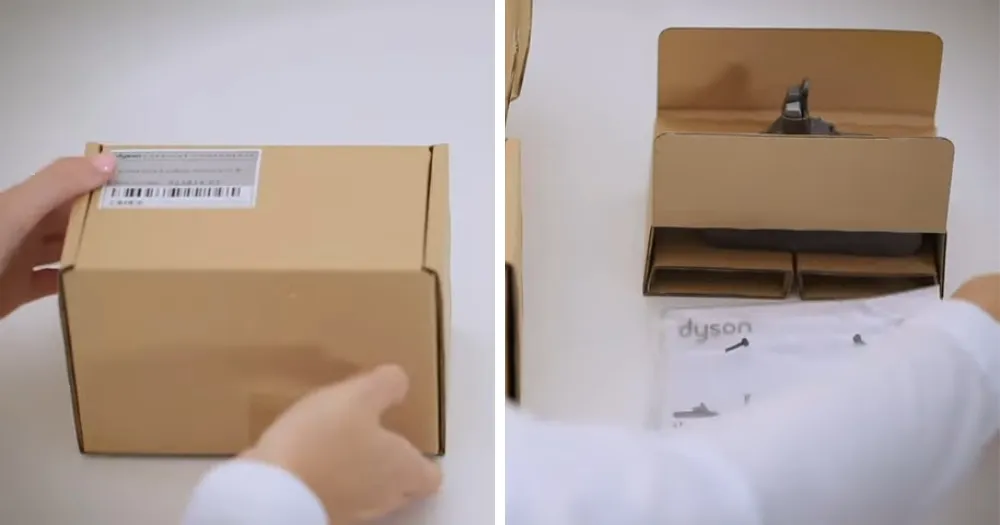
- Slide the new dyson v6 battery into your vacuum cleaner and line up the screw holes.
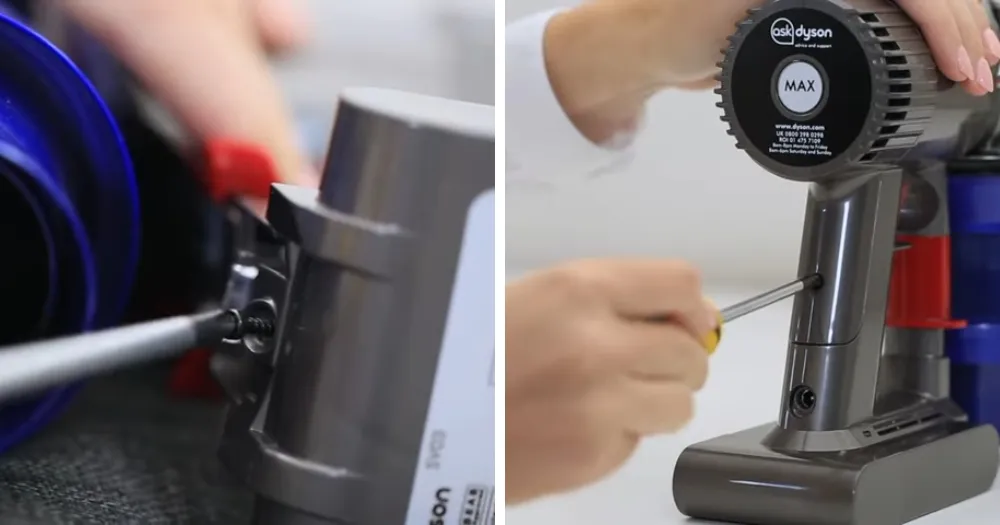
- Use the three screws you removed earlier to secure the new battery in place.
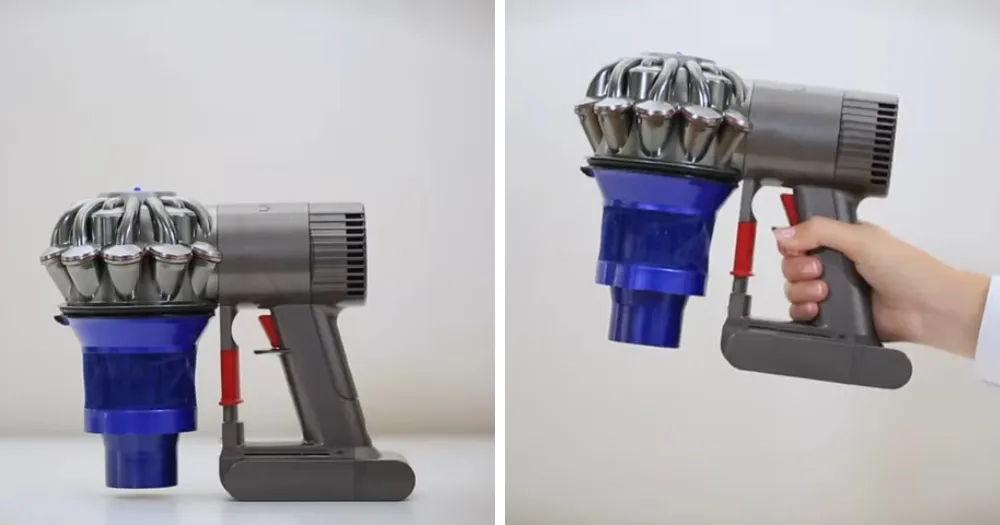
Congratulations! You have now successfully replaced the battery on your Dyson V6.
Helpful Tips
- Ensure your vacuum is turned off and unplugged before starting.
- Don’t tighten the battery screws too much.
- If removing the old battery is tricky, try using a plastic pry tool to gently loosen it.
- Properly recycle the old battery at a local electronics recycling center.
Conclusion
Changing the battery is a simple process that only takes a few minutes as you have been read the guide. Keep your vacuum working at its best by following these simple steps.