

How to Empty Dyson Vacuum Cleaners: A Comprehensive Guide

Dyson vacuums are known for their efficient, hassle-free cleaning also for maintaining the performance of your vacuum it’s important to empty and clean the dust canister regularly. Here you will get the step-by-step instructions guide on how to empty Dyson vacuum dust canister of various models (V7, V8, V10, and V11).
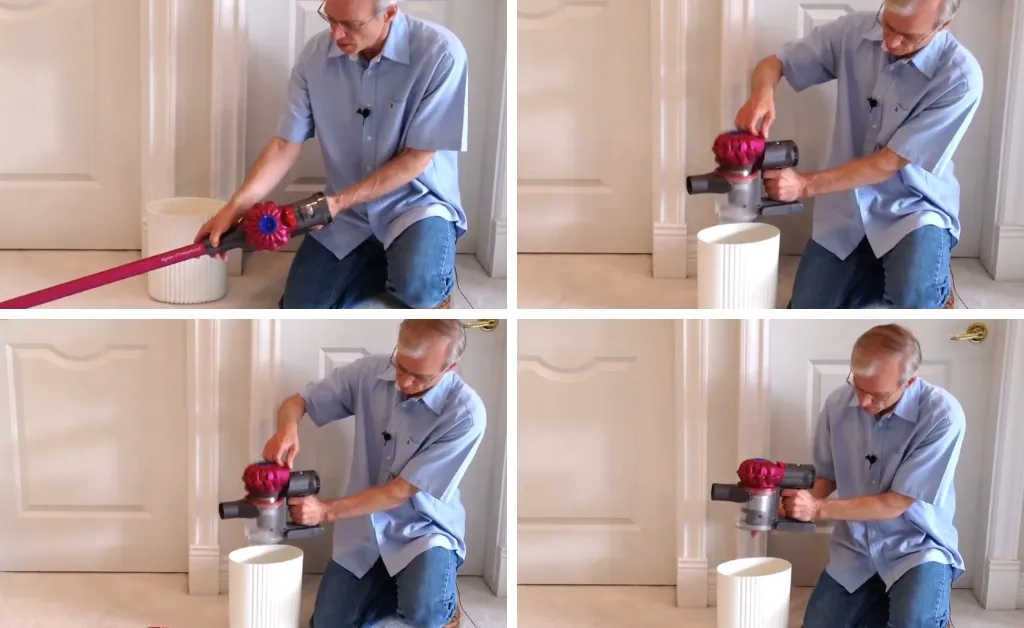
Emptying the Dyson V7:
The V7 series, such as the V7 Motorhead, has a 0.14-gallon dustbin. Emptying the canister is possible without full disassembly, but removing the handheld part makes it easier.
- Detach the Handheld Component: Remove the handheld part by pressing the red button.
- Open the Dust Canister: To open the dustbin, pull up the red tab on top of the vacuum handheld unit.
- Dispose of Debris: Dust, hair, and other debris may fall out and remove any remaining particles.
- Close the Canister: Press down on the assembly to close the dustbin door.
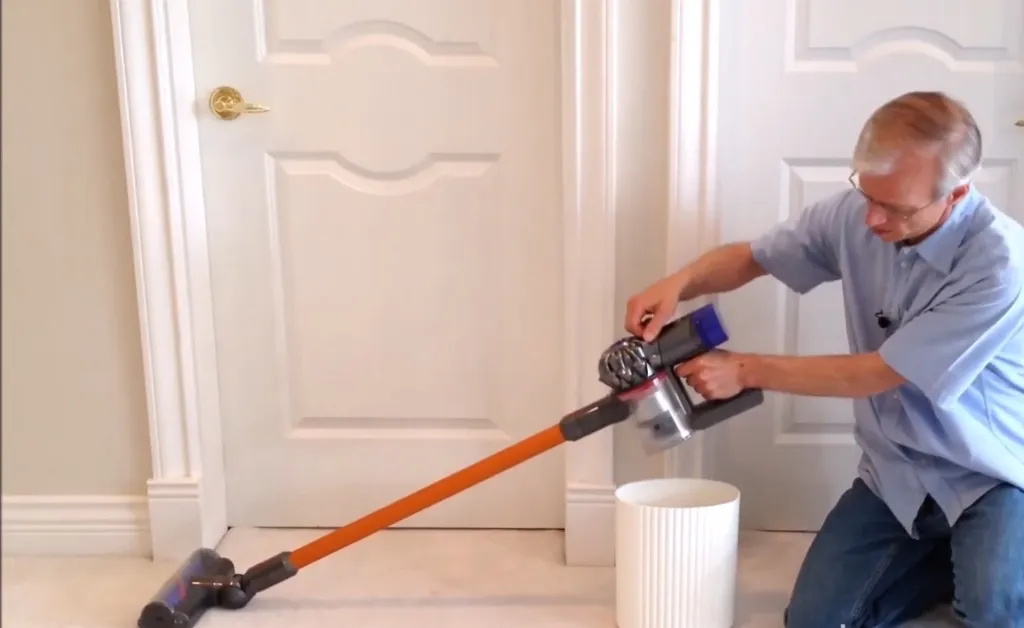
Emptying the Dyson V8:
The V8, including models like the V8 Absolute, has a 0.14-gallon dust canister that’s emptied in the same way as the V7 series.
- Detach or Keep Assembled: You can easily empty the vacuum dust canister with or without detaching the wand.
- Open and Empty: To open the dustbin door pull the red tab, letting the debris fall out.
- Close the Canister: Push down the assembly to close the canister.
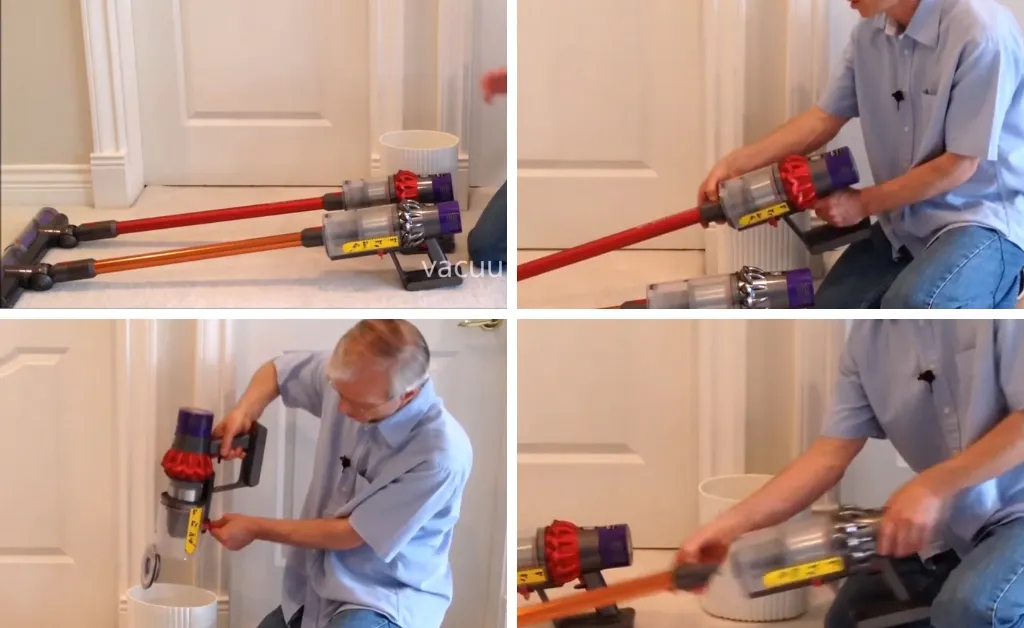
Emptying the Dyson V10:
V10 Absolute and Animal models have a larger 0.2-gallon dust canister, while the Motorhead model has a smaller 0.14-gallon canister.
- Detach the Wand: To open the bin remove the wand from the vacuum by pressing the red button.
- Point-and-Shoot Method: To empty the Motorhead model, angle the vacuum downward and press the red button to release the dustbin. If the button is stiff, apply gentle pressure with your thumb.
- Close the Canister: After emptying, shut the dustbin door completely.
Emptying the Dyson V11:
All V11 models except the Outsize have a 0.2-gallon dust canister, identical to the V10. The V11 Outsize boasts a larger 0.5-gallon canister.
- Remove the Wand: Before emptying your vacuum, please remove the wand.
- Easy Emptying: Simply press the V11’s red button to open the dustbin and now it’s a simple and easier way to empty the dustbin as compared to earlier models.
- Close the Canister: Close the canister tightly by pushing the door completely shut.
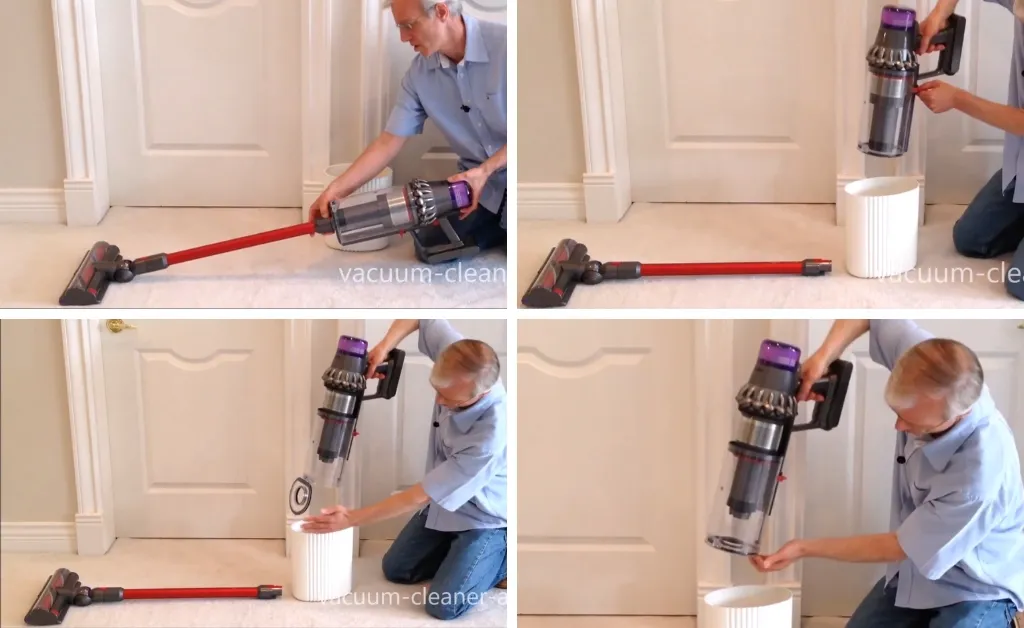
Emptying the Dyson V11 Outsize:
The V11 Outsize is the best and most powerful vacuum due to its massive 0.5-gallon dust canister. While the capacity is larger, the emptying process is essentially the same as for other V11 models.
- Detach the Wand and Cleaner Head: By pressing the red button remove the vacuum wand and cleaner head.
- Point-and-Shoot Method: Press the red tab to open the dustbin and empty the debris.
- Close the Canister: Close the canister by pushing the dustbin door up.
Tips for Emptying Dyson Vacuums
Keep your vacuum running at its best by following these given below tips.
- Empty the dustbin Regularly: Empty the dust canister regularly to maintain suction power.
- Check for Stuck Debris: Debris like hair or other stubborn particles may not fall out easily so, remove it manually.
- Handle with care: Some Dyson models like the V10 have delicate components, so be careful when emptying.
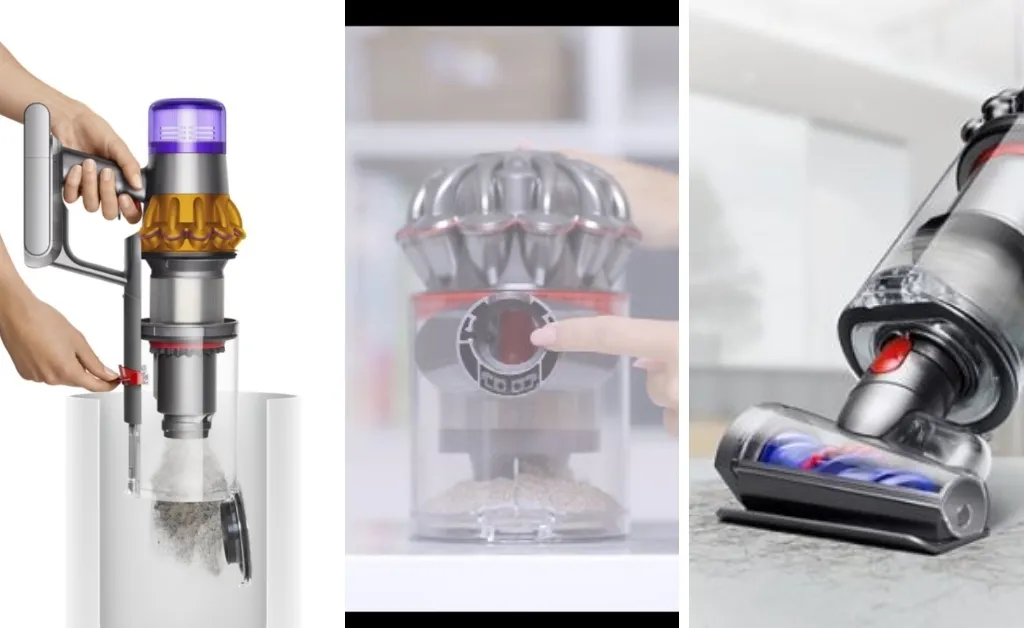
By following these tips, you can ensure your vacuum cleaner continues to perform effectively and efficiently.